The story behind the alert
Review event videos, save a clip or share an event link.

The OnlyCat app
Know they’re back. See their day. Let the door do the worrying.
Your cats have their routines. OnlyCat helps you understand them, with video, personal profiles and house rules that fit your life.
iPhone · Android · Web
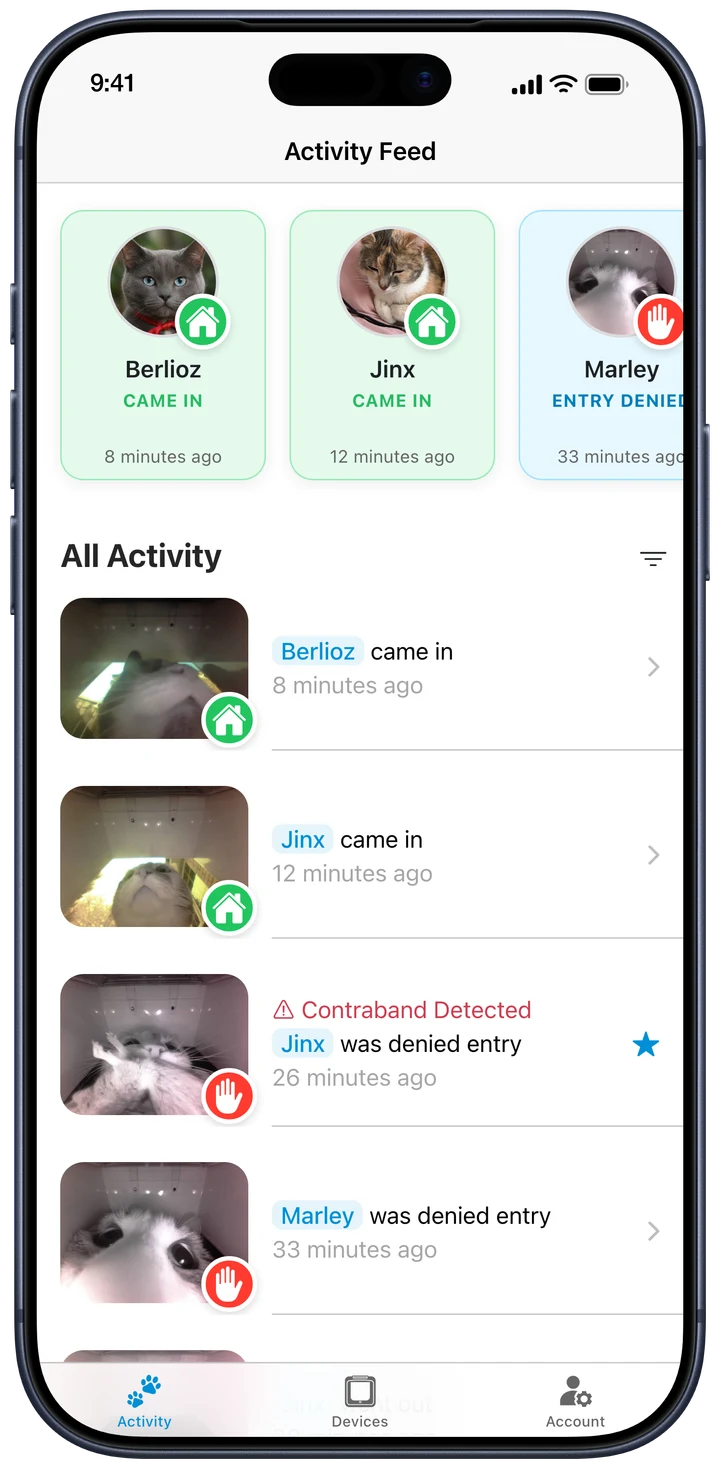
A window into their day
Video notifications
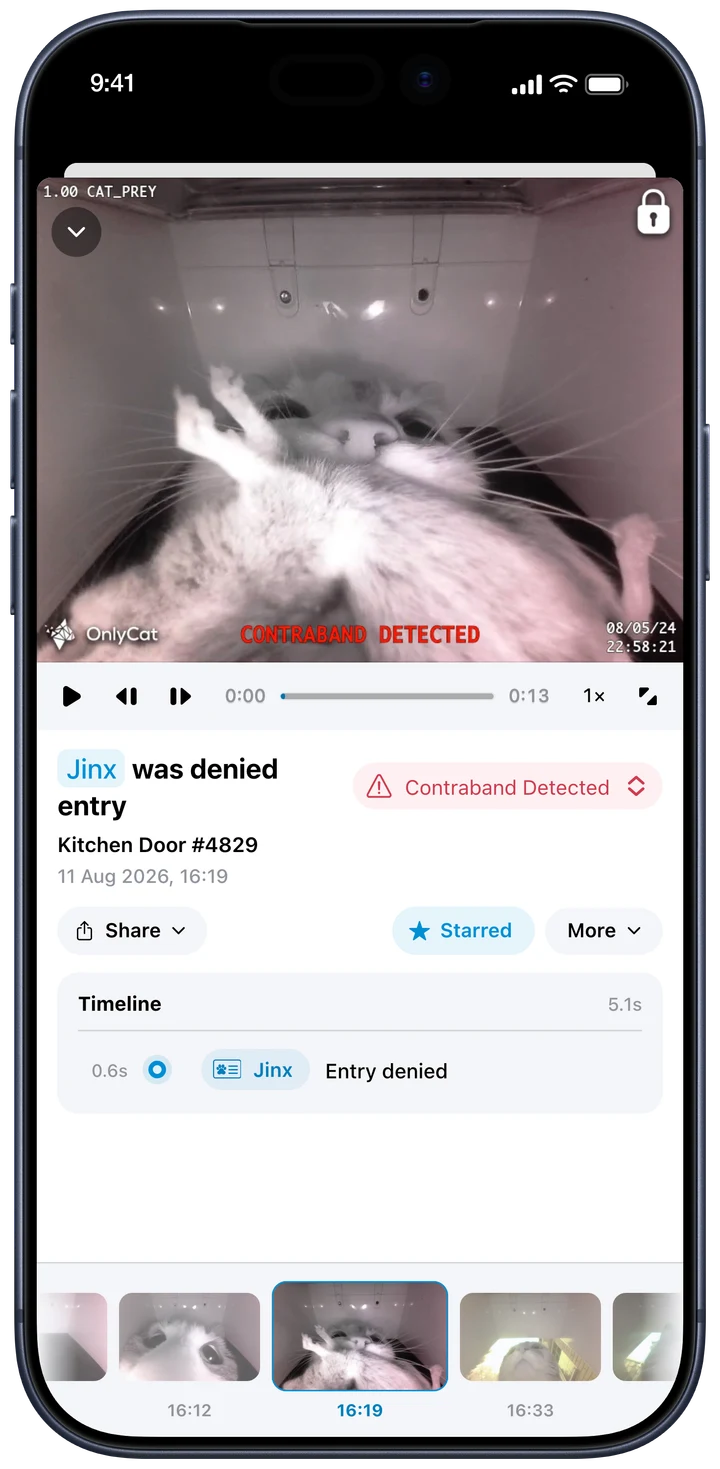
See the arrival, the departure and the gift that stayed outside. Open the video to look closer, or share a favourite moment with someone who knows your cat as well as you do.
See real doorstep momentsReview event videos, save a clip or share an event link.
Choose which events notify you, with event settings and quiet hours.
Set your notification preferences separately from your door’s curfew rules.
House rules
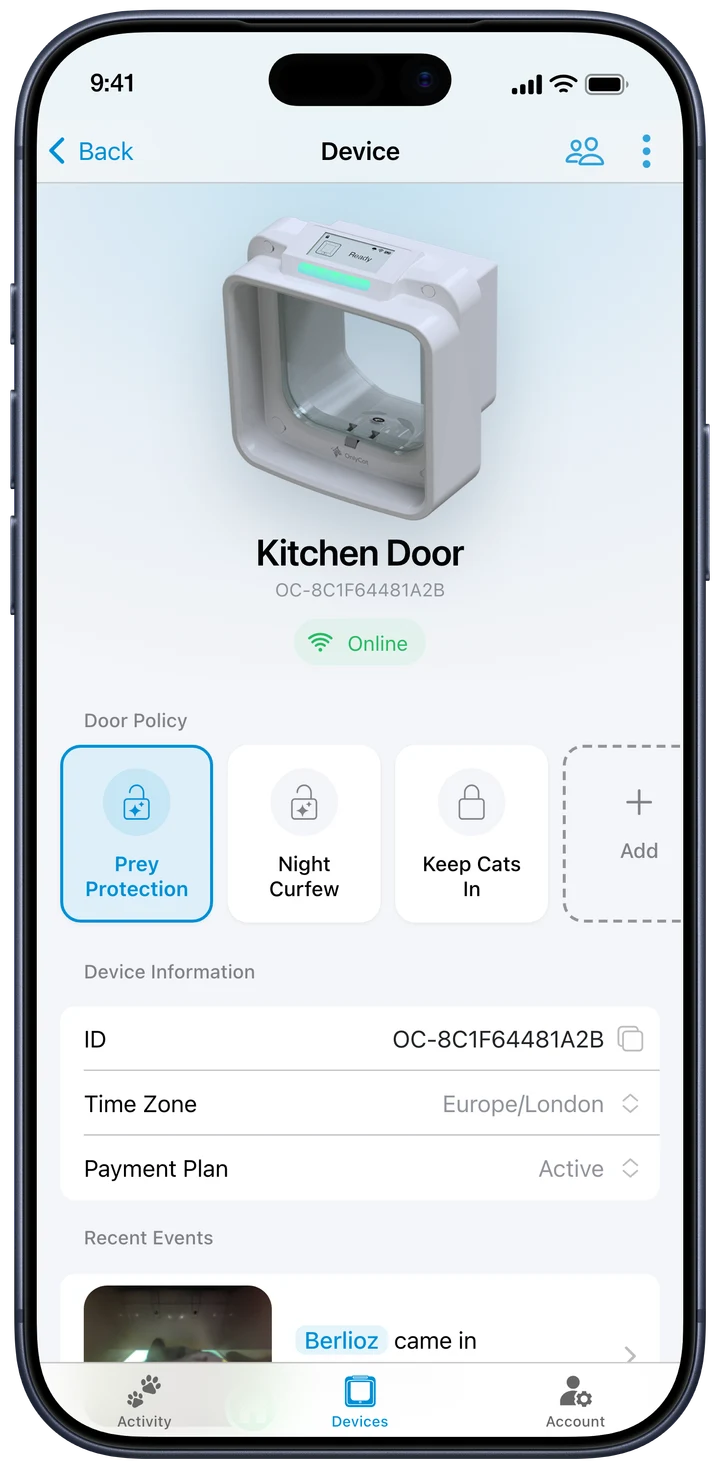
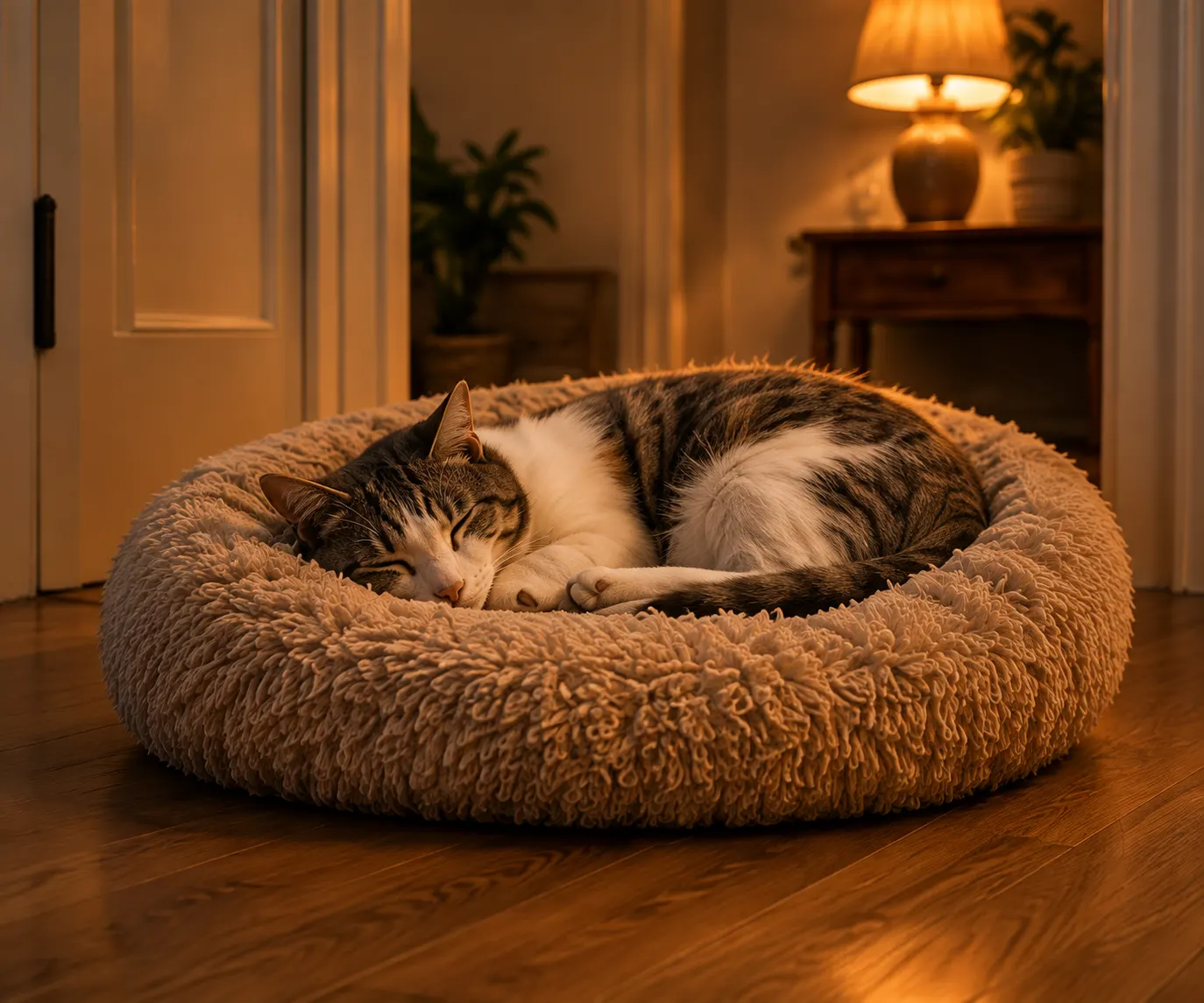
One cat can head outside while another stays in. Set entry and exit permissions for each cat, then choose when they can go out.
Curfews control access at the flap. They cannot bring a cat home if it is already outside.
Setting up your first door policyEvery cat, known
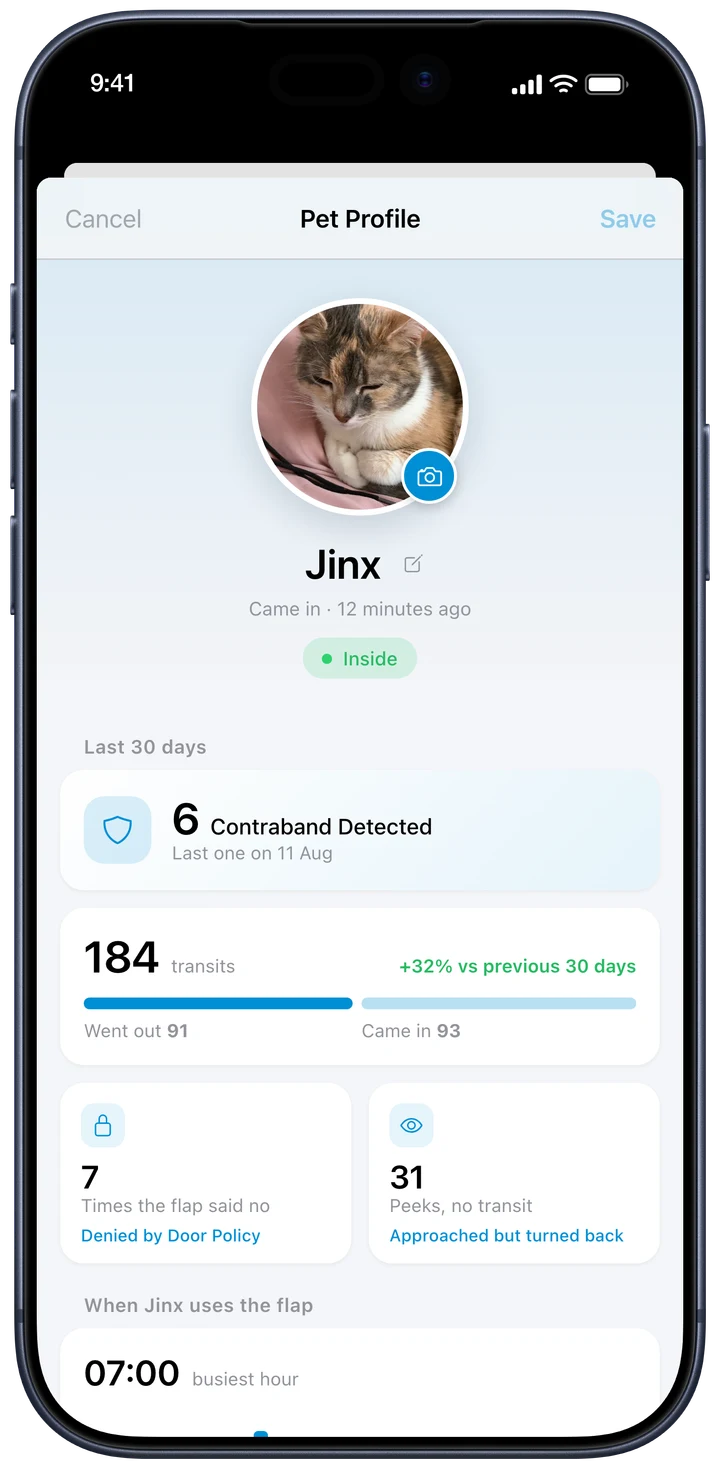
See recent arrivals, activity patterns and prey attempts for each cat. Name them, add a photo and get a clearer picture of their daily rhythm.
Unlimited cats. Individual attention.
For your whole household
Invite someone to your OnlyCat so they can see what’s happening and help manage the door. Everyone uses their own account, and you stay in control of who has access.
How household access worksPart of your smart home
Connect OnlyCat to Home Assistant to bring arrival events, cat presence and door controls into the rest of your home.
The OnlyCat Home Assistant integration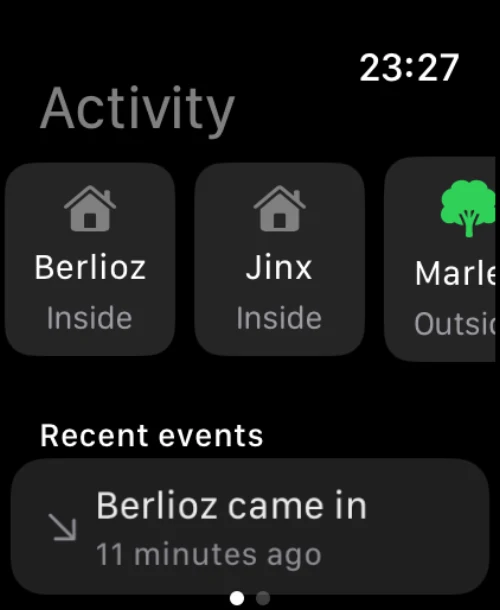
OnlyCat on Apple Watch
Check recent activity and see which cats were last recorded at home, straight from your wrist.
Get the OnlyCat appGet the OnlyCat app, then connect your flap.
Need a hand getting started?